
Introduction: From Spinning Discs to Lightning-Fast Flash
The world of digital storage has undergone a seismic shift in the past decade. What once depended on mechanical spinning disks is now powered by tiny chips of flash memory, thanks to solid-state drives (SSDs). Whether you’re using a laptop, desktop, or server, SSDs have become the new standard for performance and reliability.
But what makes SSDs so revolutionary? And how did they completely transform the way we store and access data?
This article dives deep into the technology, advantages, and future potential of SSDs, explaining how they work, why they matter, and what you should consider before making a storage upgrade.
1. What Is an SSD?
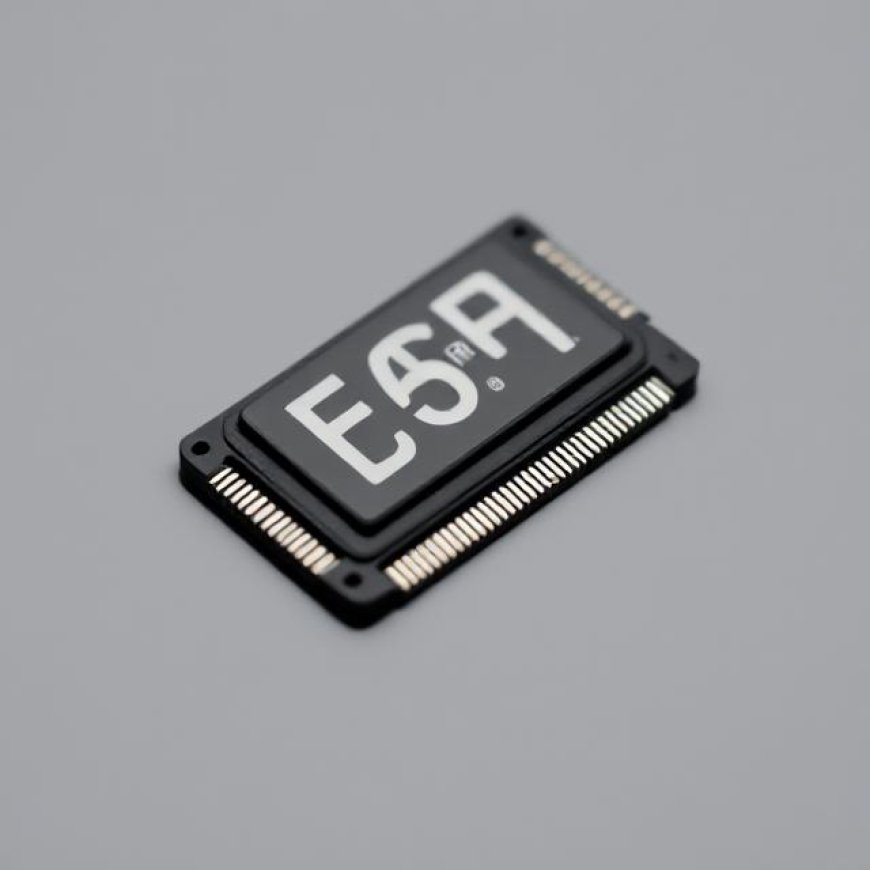
An SSD (Solid-State Drive) is a storage device that uses non-volatile flash memory to store data. Unlike HDDs (Hard Disk Drives), which rely on magnetic platters and mechanical parts, SSDs contain no moving components.
Key characteristics:
- Faster read/write speeds
- Silent operation
- Lower latency
- Greater resistance to shock and vibration
These features make SSDs an ideal solution for users seeking speed and durability in both consumer and enterprise systems.
2. A Brief History of Data Storage
Understanding SSDs requires a quick look at how data storage evolved:
- 1950s–1980s: Magnetic tape and floppy disks
- 1990s–2000s: Hard disk drives become standard
- 2008 onward: SSDs begin replacing HDDs in performance-critical systems
Early SSDs were prohibitively expensive, but advancements in NAND flash and controller design drastically reduced prices, making them accessible to everyday users.
3. SSD vs. HDD: What Makes SSDs So Much Faster?
The core difference lies in the data access method.
- HDDs use spinning disks and a mechanical arm to read/write data.
- SSDs access data electronically through memory cells.
The result?
- SSD boot times: 10–15 seconds (vs. 30–60+ on HDD)
- Program load time: Instantaneous
- Data transfer rate: Often 5x to 20x faster than HDDs
This speed boost isn't just convenient—it’s transformational for workflows like video editing, software development, and gaming.
4. Types of SSDs: SATA, M.2, NVMe
SSDs come in different interfaces and form factors:
- SATA SSDs: Use the same interface as HDDs, limited to ~550 MB/s.
- M.2 SATA: Compact SSDs for laptops, same speed as SATA.
- NVMe M.2 SSDs: The fastest consumer SSDs today, reaching speeds over 7,000 MB/s.
NVMe (Non-Volatile Memory Express) is a protocol designed specifically for flash memory, bypassing older bottlenecks and unlocking SSDs' full potential.
5. Benefits of SSDs Beyond Speed
Speed is just one advantage. SSDs also offer:
- Durability: No moving parts means fewer mechanical failures.
- Energy efficiency: SSDs consume less power, ideal for laptops.
- Reduced heat and noise: They operate silently and stay cooler.
- Better multitasking: Faster I/O improves system responsiveness under load.
These attributes have led to widespread SSD adoption in both consumer and enterprise markets.
6. SSD Reliability and Lifespan
A common myth is that SSDs “wear out” quickly. In reality, modern SSDs have advanced wear-leveling, error correction, and overprovisioning technologies.
Key considerations:
- TBW (Terabytes Written): Indicates how much data can be written over the drive’s life.
- MTBF (Mean Time Between Failures): Usually over 1 million hours.
- SMART Monitoring: Helps predict and prevent failure.
For average users, an SSD can last 10+ years under normal workloads—often longer than the computer itself.
7. Ideal Use Cases for SSDs
SSDs are suited for a wide range of applications:
- Operating System Drive: Fast boot and system responsiveness
- Gaming: Reduced loading times, stutter-free performance
- Content Creation: Smooth editing of large video and image files
- Databases and Servers: Low-latency data access at scale
Even older computers can feel brand-new when upgraded from HDD to SSD.
8. SSDs in Enterprise and Cloud Infrastructure
In enterprise environments, SSDs power:
- Data centers
- High-frequency trading systems
- AI and machine learning platforms
- Virtualization infrastructure
All-flash arrays (AFAs) are now common in storage networks, replacing mechanical drives for mission-critical tasks.
9. Common Myths and Misconceptions
Let’s debunk some widespread SSD myths:
· “SSDs fail faster than HDDs.”
Not true with modern SSDs and normal use.
· “You shouldn’t defragment an SSD.”
True. SSDs don’t benefit from defragmentation and it can reduce their lifespan.
· “More expensive SSDs always mean better performance.”
Not necessarily. Performance depends on controller, NAND type, and interface.
10. The Future of SSD Technology
The SSD landscape continues to evolve rapidly:
- 3D NAND: Stacks memory vertically to increase density.
- PCIe 5.0 SSDs: Emerging with even higher throughput.
- QLC NAND: Stores 4 bits per cell, increasing capacity at lower costs.
- Persistent memory: Blurs the line between RAM and storage.
In the near future, expect:
- Petabyte-scale SSDs
- Universal NVMe adoption
- AI-optimized storage algorithms
Conclusion: Why SSDs Are the Future of Storage
SSDs have gone from luxury upgrades to essential components in modern computing. Their unmatched speed, reliability, and efficiency have redefined what users can expect from their machines.
Whether you’re building a gaming rig, optimizing a workstation, or upgrading a laptop, choosing the right SSD can be the most impactful decision for your system’s performance.
As flash memory continues to evolve, SSDs are not just a replacement for HDDs—they are paving the way for the next generation of intelligent, high-speed, and high-capacity digital systems.