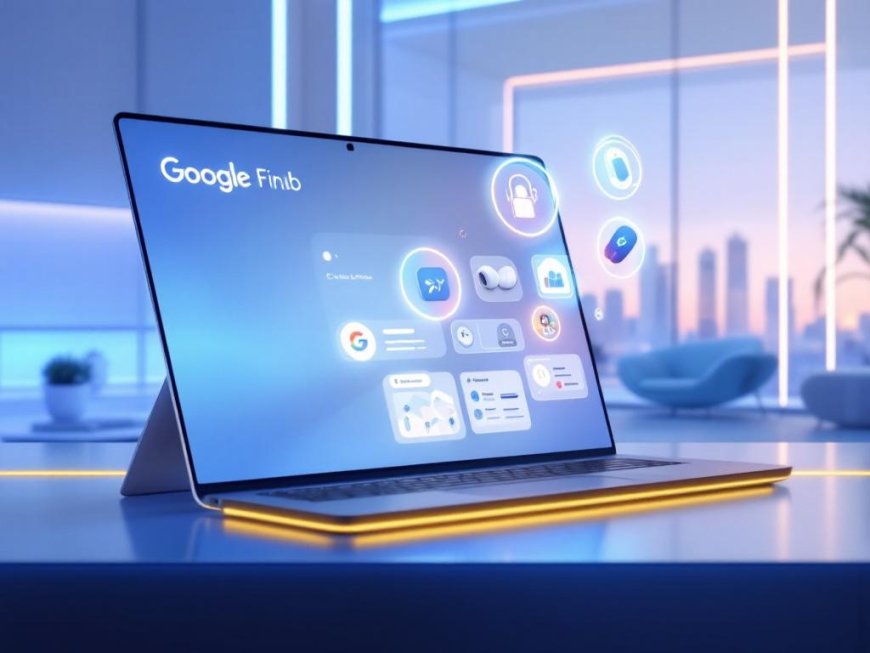

Google has rolled out an important update to its Find Hub website, expanding its tracking capabilities to include Bluetooth tags and compatible headphones—such as the Pixel Buds Pro 2. This move brings the web experience in line with the Android app, allowing users to ring their lost devices, mark items as lost, and manage their tracker network directly from a browser, even without their phone.
What’s New?
Previously, the Find Hub website only supported tracking Android phones, tablets, and Wear OS watches. Now, users can:
- Locate smart tags (like Chipolo Pop, Pebblebee Clip 5, and Motorola Moto Tag) and compatible headphones.
- Ring trackers and headphones to help find them.
- Mark items as lost and remove them from the network.
- Rename devices for easier identification.
This update is especially useful for those who lose items like keys, wallets, headphones, or luggage—common everyday items that often go missing. The ability to track these devices via the web means users no longer need their phone to locate them, making the service more accessible and convenient
Why This Matters
The expansion of Google’s Find Hub network reflects a growing demand for smart tracking solutions that go beyond smartphones and watches. According to industry experts, the ability to track audio accessories and smart tags addresses a real-world need, especially as Bluetooth trackers and wireless earbuds become ubiquitous .
"Being able to pull up a browser on any laptop or smartphone and immediately locate a tag you slipped into a bag, or headphones you left at the office, is something that is quite useful," said a tech analyst reviewing the update .
Compatible Devices
Google’s Find Hub now supports:
- Smart tags: Chipolo Pop, Pebblebee Clip 5, and Motorola Moto Tag (the only tracker with UWB precision finding).
- Headphones: Pixel Buds Pro 2 and other Android-certified audio accessories with the "Works with Android" badge.
- Future integrations: Google is actively partnering with accessory manufacturers to expand compatibility, with new devices expected at CES 2026
How to Use the Updated Find Hub Website
- Visit Google’s Find Hub website.
- Log in with your Google account.
- Select your device from the list to locate it, ring it, or mark it as lost.
- Add or remove devices as needed.
This update ensures that Android users can now track a wider range of devices with the same ease as tracking their phones or tablets.
The Bigger Picture: Google’s Find Hub Ecosystem
The Find Hub network is part of Google’s broader effort to create a seamless tracking ecosystem for Android users. With the recent integration of Google Messages and partnerships with airlines for lost luggage tracking, Google is positioning itself as a leader in smart device recovery .
As the ecosystem grows, users can expect more devices to join the network, including third-party trackers and audio accessories.
Resources
- 9to5Google – Google Find Hub website will let you locate tags, headphones
- Digital Trends – Google’s Find Hub website can now locate more devices
- Android Police – Google’s Find Hub website just got a huge upgrade
- HotAirTag – Google Find Hub Compatible Trackers: Complete List (2026)
- 9to5Google – Find Hub Guides